












Tumble Dryer Filter Warning Won't Clear? Try This Fix
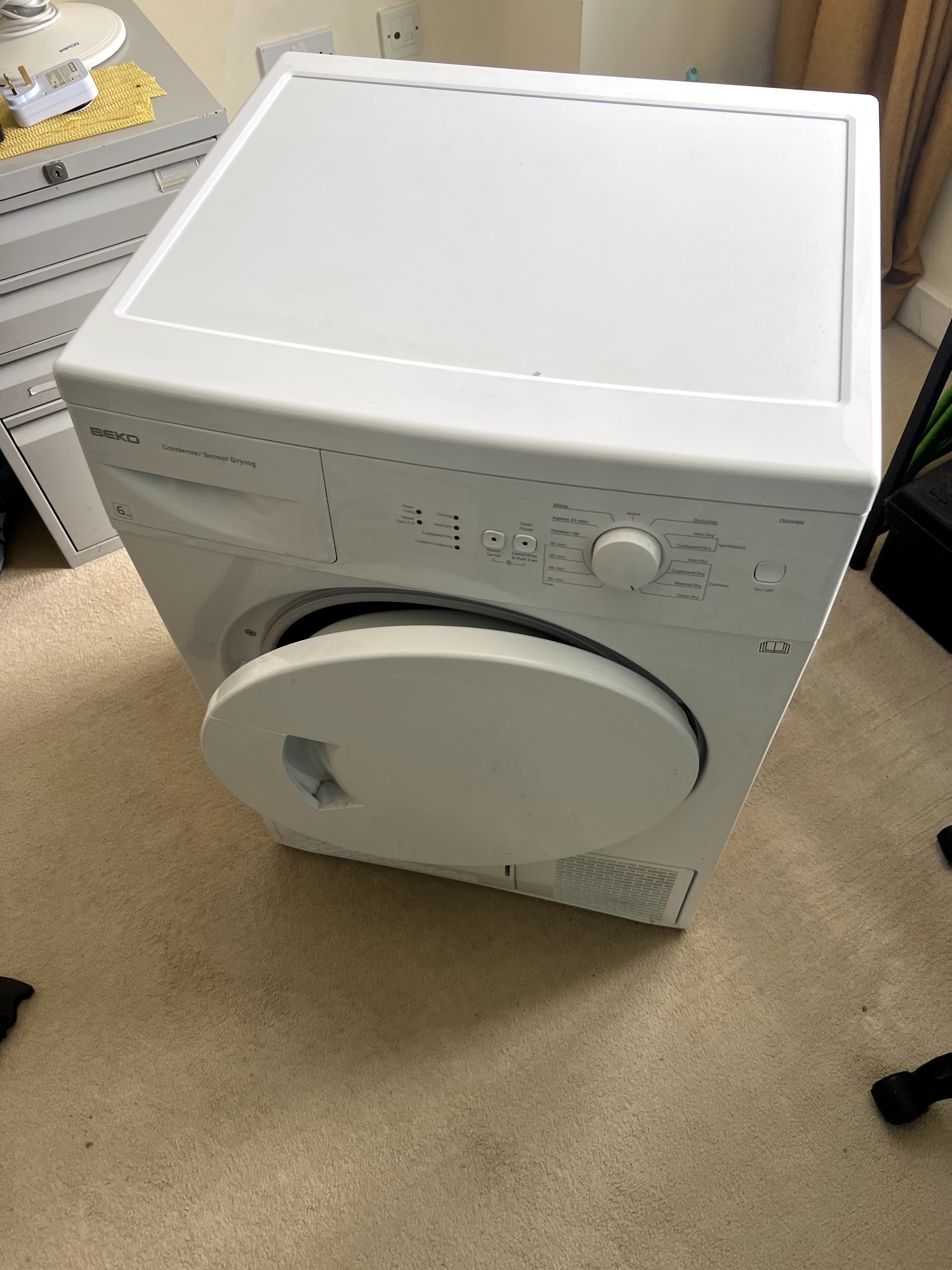
You've pulled out the lint filter, cleared every scrap of fluff, slotted it back in, and the little filter symbol is still glaring at you from the control panel. Frustrating, isn't it? If your tumble dryer filter light won't go off no matter how thoroughly you clean the filter, the problem usually isn't the filter at all. It's a small sensor hiding just below it.
This guide walks you through why that warning sticks around, where to look, and how to clear it on a condenser dryer. It's a quick check most people can do at home in a few minutes.
Why dryers have a filter warning in the first place
Every tumble dryer has some form of lint filter inside it, and that filter does an important job. As your clothes dry, they shed fibres, and the filter catches them before they clog up the rest of the machine. The golden rule is to clear the lint filter out after every single cycle. Skip it for a few loads and the build-up starts to choke the airflow your dryer relies on.
To prompt you, most modern machines show a symbol on the control panel when the filter needs cleaning. On some dryers the same message comes up as an error code instead of a picture. Either way, it's telling you the same thing: the machine isn't getting the airflow it expects.
Normally, cleaning the filter clears the warning and you're back in business. But there's a common fault on many modern condenser dryers where the warning refuses to go away even after the filter looks spotless. That's where the next checks come in.
The hidden culprit: a blocked airflow sensor
Most condenser dryers have a sensor positioned towards the bottom of the filter housing. Air needs to pass through the filter and flow over this sensor for the machine to register everything is working as it should. When that airflow is interrupted, the dryer assumes the filter is dirty and lights up the warning.
There are two things that commonly trip this up:
- The fine pores in the filter are blocked. A filter can look clean to the eye while the tiny mesh holes are clogged with a thin film of lint, fabric softener residue or general grime. If no air can pass through, none reaches the sensor, and the fault triggers.
- Lint has coated the sensor itself. Over time, fine fluff works its way past the filter and settles on the sensor. This causes an electronic error and the machine believes the sensor is blocked, even when the filter is fine.
In both cases the dryer is doing exactly what it's designed to do. It just needs a proper clean to see clearly again.
How to clear a persistent filter warning
Work through these three steps in order. Before you start, switch the dryer off and unplug it at the socket so you're not poking around a machine that's live. If you'd like a refresher on doing this safely, see our guide on how to safely isolate an appliance before a DIY repair.
1. Check that air can actually pass through the filter
Take the filter out and give it more than a visual once-over. Hold it under running water and lightly scrub it clean to shift anything trapped in the mesh. The quick test afterwards is simple: gently blow onto one side of the filter. If you can feel your breath coming out the other side, the pores are clear. If the air is struggling to get through, keep cleaning until it does.
2. Check that the sensor is clear
With the filter removed, look down into the filter location. Towards the bottom you'll spot the sensor. Have a good look at it, because this is where stray lint likes to settle. A coating of fluff here is enough to confuse the dryer into thinking it's blocked, which keeps the warning lit on the front of the machine.
3. Clean the sensor
Gently clean the lint off the sensor. Cleaning it will often rectify the indication on the front of the machine straight away. Once it's clear, refit the filter, plug the dryer back in and run a short cycle to check the warning has gone.
A bit of routine care goes a long way
Most persistent filter warnings come down to a slow build-up that's been allowed to creep past the filter. Cleaning the lint filter after every cycle is the single best habit to get into, and an occasional check of the sensor area keeps the airflow path clear. For more on looking after this type of machine, our guide on how to maintain a condenser tumble dryer is worth a read, and if your machine collects water you may also find tumble dryer water container faults and maintenance useful.
When to call in an engineer
If you've thoroughly cleaned both the filter and the sensor and the warning still won't shift, the fault may lie deeper in the airflow system or with the sensor itself. At that point it's worth having it looked at properly rather than running the dryer with a fault it keeps flagging.
NAC engineers are trained across all the major brands and appliances, so whatever make of dryer you own, we can help. We quote a clear service charge before an engineer attends, which covers all the labour, the callout and VAT where it applies. The only possible extra is for parts, and we'll always quote those separately for your approval before any work goes ahead. There's no additional labour charge on top. Repairs come with a guarantee too, the length of which depends on the parts fitted and is set out in our terms and conditions.
You can book a visit using the Book A Repair button on our website, or call us on 0333 016 9622 if you'd rather talk it through first. If you're not sure whether we cover your area, take a look at our service areas, and you can check your make against the brands we repair.
A stubborn filter light is usually a five-minute fix. But if it's holding out against a proper clean, get in touch and we'll get your dryer back to drying properly.
- tumble dryer
- filter warning
- error code
- airflow sensor
- troubleshooting
Rather leave it to us?
- Fixed-price quote before any work starts
- Same or next-day visits where available
- UK-wide engineer coverage