












Top Oven vs Main Oven: Understanding Your Cooker Controls
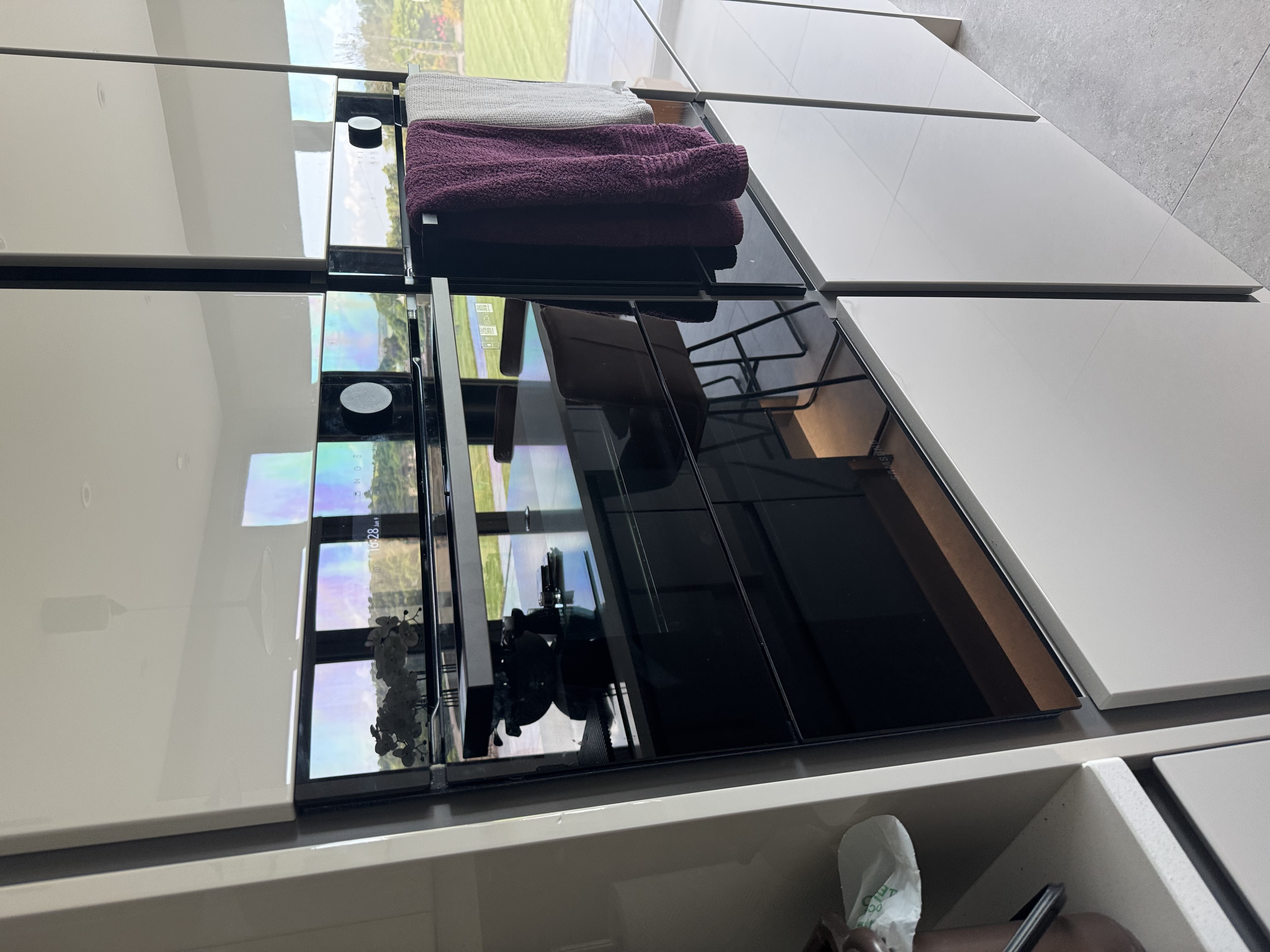
If you've got a double cooker and one cavity heats up while the other stays stone cold, it's tempting to assume something has broken. Often, nothing has. The difference between the top oven vs main oven usually comes down to how each one is controlled, and the electronic timer is the part that catches most people out.
Here's how the two cavities differ, why a flashing clock can stop the main oven working, and how to get things going again before you reach for the phone.
How a double oven is controlled
Most double ovens split the cooking duties between two cavities. The top oven (often doubling as the grill) tends to run independently from its own controls. The main oven, the larger cavity underneath, is frequently routed through the electronic timer.
When an oven has an electronic timer, it's designed so you can tell it when to switch the main oven on and when to turn it off again at set times. That's handy for getting a roast started while you're out, but it has an important side effect: the timer effectively becomes the on/off switch for the main oven. If the timer isn't happy, the main oven won't fire up.
The top oven usually sits outside all of this. It carries on working under its own control regardless of what the timer is doing, which is exactly why you can end up with one working oven and one that seems dead.
Why one oven works and the other doesn't
This is the single most common point of confusion we see. The top oven heats perfectly, the main oven does nothing, and the natural conclusion is that the appliance has developed a fault.
In a lot of cases there's no fault at all. Because the timer governs only the main oven, anything that upsets the timer leaves the top oven completely unaffected. So the appliance looks half broken when really it's just waiting for the timer to be set.
Before you assume the worst, work out which cavity actually has the problem:
- Top oven won't heat, main oven fine points away from the timer, since the top oven generally isn't controlled by it.
- Main oven won't heat, top oven fine very often comes back to the timer, especially if the clock display is doing something odd.
The flashing clock: the usual culprit
Take a look at the timer display. Is the clock flashing?
A flashing clock typically appears after the power has been interrupted. That might be a power cut, or it could be because you switched the cooker off at the wall to clean it. Once power is restored, the timer loses the time and flashes to let you know.
While that clock is flashing, the main oven will not switch on. The timer is essentially waiting for input before it'll allow the cavity it controls to work.
How to get the main oven working again
The good news is the fix is quick, and you don't even need to know the right time.
- Check the timer and confirm the clock is flashing (common after a power cut or after the power's been turned off for cleaning).
- Set a time on the electronic timer simply to stop it flashing. It doesn't have to be the correct, current time, you just need the display to settle.
- Once the clock has stopped flashing, the main oven should switch on as normal.
That's genuinely all it takes in most cases. The aim is to get the timer out of its flashing state so it stops blocking the main oven.
Setting the clock when you're not sure how
The slight catch is that there's no single way to set the clock across all cookers. Different brands use different timers, and the buttons and sequences vary from one model to the next. Without your oven's instruction booklet to hand, it can be genuinely confusing to know which buttons to press.
For some brands it's straightforward. For others you may need to search online for instructions specific to your model. It's worth finding the right method rather than guessing, as the steps really do differ between manufacturers. We're happy to repair any make, so whatever sits in your kitchen, the principle above still applies.
When the timer itself is faulty
Occasionally the timer genuinely is at fault rather than just unset. A faulty timer will prevent the main oven from switching on completely, much like a flashing clock would, except setting the time won't resolve it.
So if you've stopped the clock flashing, set a time correctly, and the main oven still refuses to come on while the top oven works fine, a faulty timer becomes the likely explanation. That's a job for an engineer rather than a DIY fix.
Get it checked by NAC
If you've tried adjusting the time and your main oven is still not coming on, you don't need to keep wrestling with it. You can book an engineer visit quickly using the Book A Repair button on our website, and one of our engineers will diagnose what's going on.
We quote a clear service charge before anyone attends, covering all labour, callout and VAT where it applies. The only possible extra is parts, and if any are needed we'll quote those separately for your approval before doing the work, with no additional labour charge on top. Any repair is backed by a guarantee, with the length depending on the parts fitted and covered under our terms and conditions.
We repair every major brand, so whatever cooker you have, our team can help. Prefer to talk it through first? Give us a call on 0333 016 9622 and we'll point you in the right direction.
- dual oven
- oven controls
- cooker guide
- troubleshooting
Rather leave it to us?
- Fixed-price quote before any work starts
- Same or next-day visits where available
- UK-wide engineer coverage