












How to Set the Clock on Your Oven Timer (All Brands)
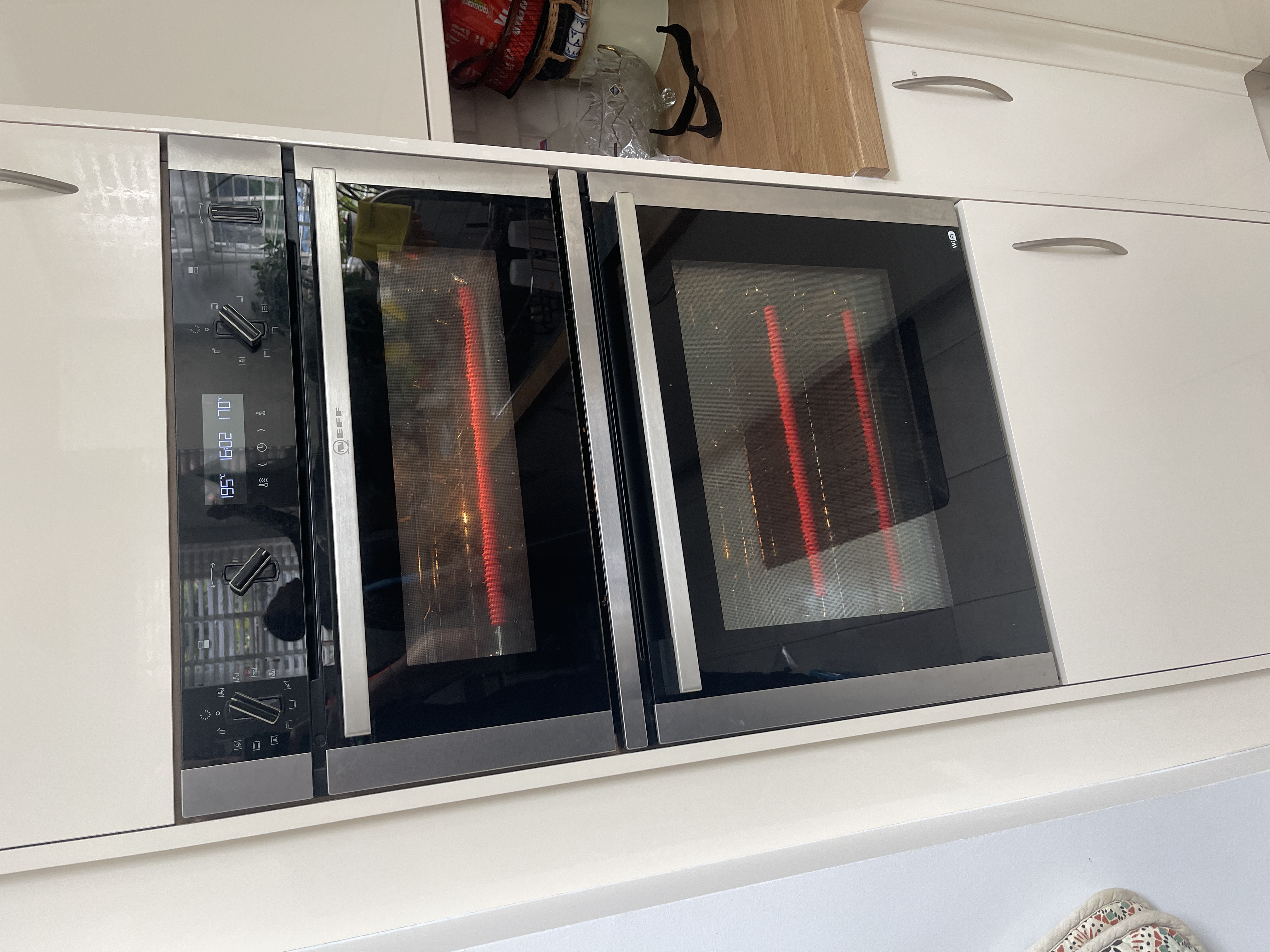
If your main oven has suddenly stopped working but the top oven is fine, take a look at the clock before you assume the worst. A flashing display is one of the most common reasons an oven won't heat, and the good news is that learning how to set the oven clock usually fixes it in seconds. Better still, you don't even need to get the time right.
This guide explains why the clock matters, what the flashing means, and exactly how to stop it so your main oven switches back on.
Why the clock controls your main oven
Many ovens come with an electronic timer built into the control panel. It isn't just there to tell you the time. The timer is designed so you can tell the oven when to turn the main cavity on and when to turn it off at set times, which is handy if you want dinner ready when you walk through the door.
The catch is that the timer also acts as the on/off switch for the main oven. If the timer isn't set, the oven has no instruction telling it that it's allowed to come on, so it simply stays off.
Why the clock starts flashing
A flashing clock almost always follows one of two things:
- A power cut, even a brief one.
- The power being switched off, for example when you've turned it off at the wall to clean the oven.
When the electricity is interrupted, the timer loses its setting and the display starts flashing to let you know it needs attention. While the clock is flashing, the main oven will not switch on. This is completely normal and doesn't necessarily mean anything has broken.
Why the top oven still works but the main one doesn't
This is where a lot of people get caught out. On most cookers the electronic timer does not control the top oven or grill, only the main oven below. So after a power cut you'll often find the top oven heats perfectly while the main oven seems dead.
Understandably, that combination makes it look like the main oven has developed a fault. In most cases it hasn't at all. It's simply waiting for the clock to be set.
How to set the oven clock and release the main oven
Here's the part worth remembering: you do not need to set the correct time of day. You only need to set a time, any time, so the clock stops flashing. Once it's no longer flashing, the timer releases the main oven and it can heat as normal.
Follow these steps:
- Check the clock on the control panel. If the display is flashing, that's almost certainly why the main oven won't come on.
- Set a time on the electronic timer. It doesn't have to be the right time, you just need to enter something so the flashing stops.
- Once the display is steady rather than flashing, try the main oven again. It should now switch on.
- If you'd like the timer to be accurate (so any automatic cooking programmes work later), set it to the actual time using your oven's instructions.
If the main oven heats again, that's the job done.
Every brand does it differently
There isn't a single universal way to set an oven clock. Across different manufacturers there are lots of different timer designs, with different buttons and symbols, so the exact button presses vary from one cooker to the next.
Some brands make it obvious, with a clearly marked clock button you hold while turning a dial or tapping plus and minus. Others are far less intuitive and you'll struggle to guess your way through it.
The most reliable source is the instruction booklet that came with your oven, which will give you the precise sequence for your model. If you've lost the booklet, it's usually quick to find the manual or a setting guide online by searching your oven's brand and model number. Take a moment to note your model number from the rating plate (often around the door frame or inside the door) before you search.
When it's actually the timer at fault
Occasionally the timer itself develops a fault rather than just losing its setting. If the timer is faulty, it will stop the main oven from coming on completely, no matter what you do with the time.
So if you've set a time, the clock has stopped flashing, and the main oven still refuses to heat, the problem is likely deeper than the clock setting. At that point it's worth having an engineer take a look, as a faulty timer module needs diagnosing and replacing properly.
Get your oven repaired
If you've tried adjusting the time and the main oven still won't switch on, we can help. NAC engineers repair ovens of every make, and we'll quote a service charge before anyone attends, covering all labour, callout and VAT where it applies. If parts are needed we'll quote those separately first, with no extra labour on top. Every repair comes with a guarantee, the length of which depends on the parts fitted, as set out in our terms and conditions.
To arrange a visit, use the Book A Repair button on our website or call us on 0333 016 9622. You can also get in touch through our contact page, check which brands we repair, or see our service areas to confirm we cover you.
While you're sorting the oven out, you might also find our guide on why an oven takes too long to cook food and how to change an oven light bulb useful.
- oven clock
- setting the timer
- how to guide
- oven controls
Rather leave it to us?
- Fixed-price quote before any work starts
- Same or next-day visits where available
- UK-wide engineer coverage