












Resetting Your Oven After a Power Cut: A Quick Guide
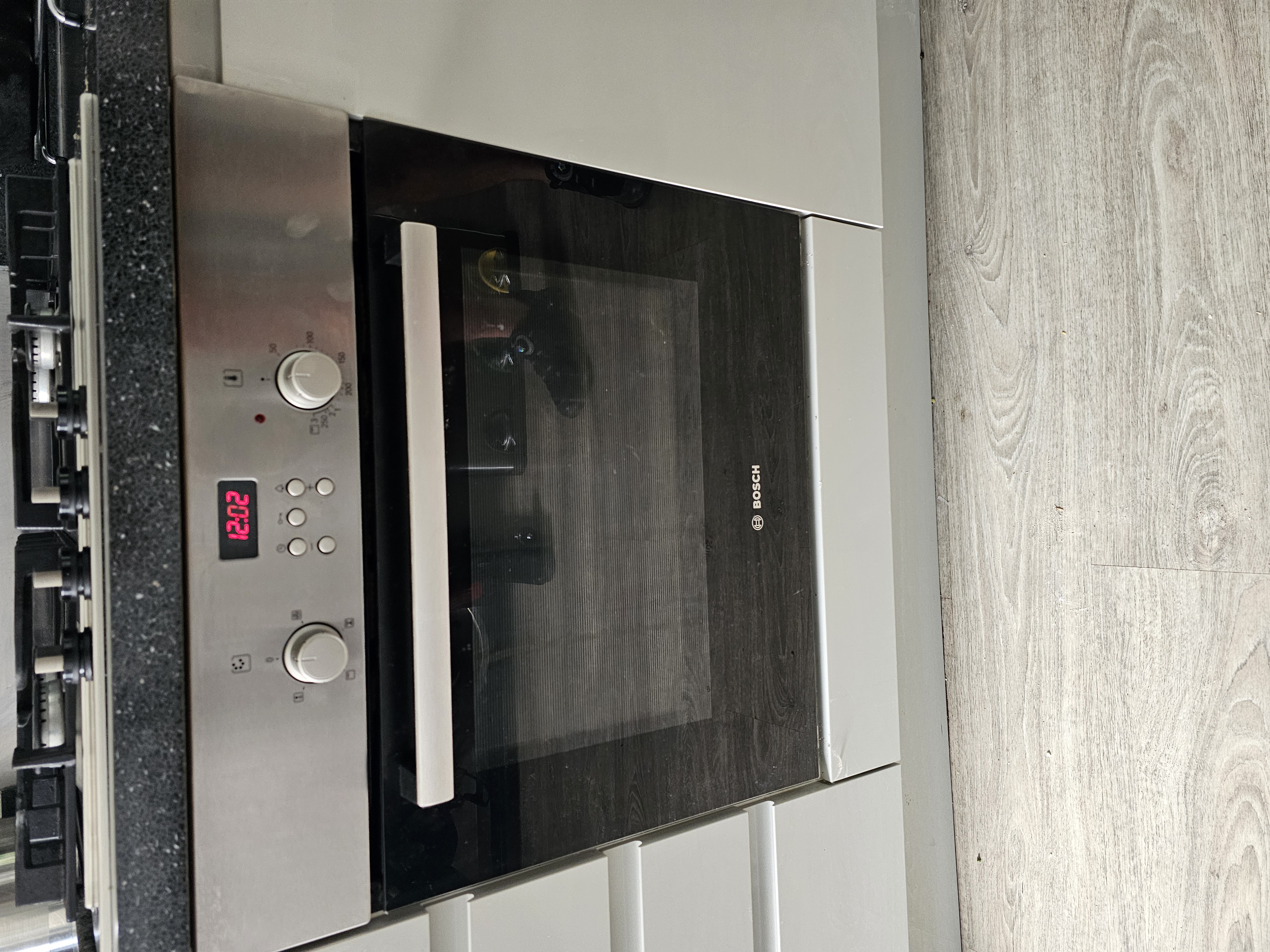
Came back to a flashing clock and an oven that won't heat? It's one of the most common calls we get, and the good news is that an oven not working after a power cut usually isn't broken at all. In most cases it's the electronic timer doing exactly what it was designed to do. Here's why it happens and how to get cooking again in a couple of minutes.
Why a power cut stops your oven working
Many ovens have an electronic timer built into the control panel. As well as letting you set cooking times, this timer doubles up as the on/off switch for the main oven. You can tell it when to switch the main oven on and when to switch it off again at set times, which is handy for getting a roast going while you're out.
The catch is what happens when the power is interrupted. If you've had a power cut, or you've turned the electricity off at the wall to give the oven a clean, the timer loses its memory of the time. When power comes back on, the clock display starts flashing.
While that clock is flashing, the timer won't let the main oven switch on. It's effectively waiting for you to tell it what the time is before it will hand control back to you.
Why the top oven still works but the main oven doesn't
This is the part that throws most people. The timer usually only controls the main oven. It doesn't normally affect the top oven or grill.
So you end up with a situation where the top oven heats up perfectly, the grill is fine, but the main oven sits there doing nothing. That mix of working and not working makes it look like a genuine fault has developed, when really the main oven is just locked out by the flashing timer.
How to reset your oven after a power cut
The fix is simpler than you'd think. You don't even need to set the correct time of day. You just need to set a time, any time, so the clock stops flashing.
- Check that the clock display is flashing. This is the giveaway that the timer has reset itself after the power was off.
- Set a time on the timer to stop the flashing. The exact time doesn't matter for getting the oven going, the point is simply to clear the flashing display.
- Once the flashing stops, the main oven should switch on as normal.
If you'd rather have the clock showing the right time too, by all means set it accurately, but that's for your own convenience rather than something the oven needs.
Setting the clock on different brands
Here's where it can get fiddly. There are loads of different timers out there across the various manufacturers, and they all set the clock in slightly different ways. Some use a couple of buttons and a quick press, others need a particular combination held down.
Without the oven's instruction booklet to hand, it can be genuinely confusing to work out which buttons do what. For some brands it's quick and obvious. For others you may need to dig out the manual or search online for the steps that match your exact model. It's worth a couple of minutes of searching before you assume anything is wrong, because nine times out of ten this is all it takes.
What if the oven still won't come on?
If you've set the time, the clock has stopped flashing, and the main oven still refuses to heat, then the timer itself may be at fault. A faulty timer will stop the main oven switching on completely, so it produces the same symptoms as the flashing clock even after you've reset it.
That's not something to fix yourself. It's a control component, and the safest, quickest route is to have an engineer look at it. We repair all makes and models, so whatever brand your oven is, we can help. You can see the brands we repair and check our services for what's covered.
To book, use the Book A Repair button on the NAC website, or give us a call on 0333 016 9622. We'll quote a service charge before an engineer attends, which covers all labour, the callout and VAT where it applies. If any parts are needed, we'll quote those separately before doing any work, and there's no extra labour charge on top. Repairs come with a guarantee, with the length depending on the parts fitted, and that's all set out in our terms and conditions.
A couple of related reads
If you're already looking under the bonnet of your oven, these might help too:
- How to Change an Oven Light Bulb: Easy Step-by-Step Guide
- How to Safely Isolate an Appliance Before a DIY Repair
- Why Your Oven Takes Too Long to Cook Food
Before you assume the worst after a power cut, check for that flashing clock and set a time. More often than not, your main oven will spring straight back to life. And if it doesn't, get in touch and we'll sort it.
- power cut
- oven reset
- flashing display
- troubleshooting
Rather leave it to us?
- Fixed-price quote before any work starts
- Same or next-day visits where available
- UK-wide engineer coverage